Showcase · a game on Kumiko
Five eras from 1724 to 2046, two languages, and new cases without an app release. The game is an Expo app, and Kumiko is the server behind it. You can play the daily case in the browser today.
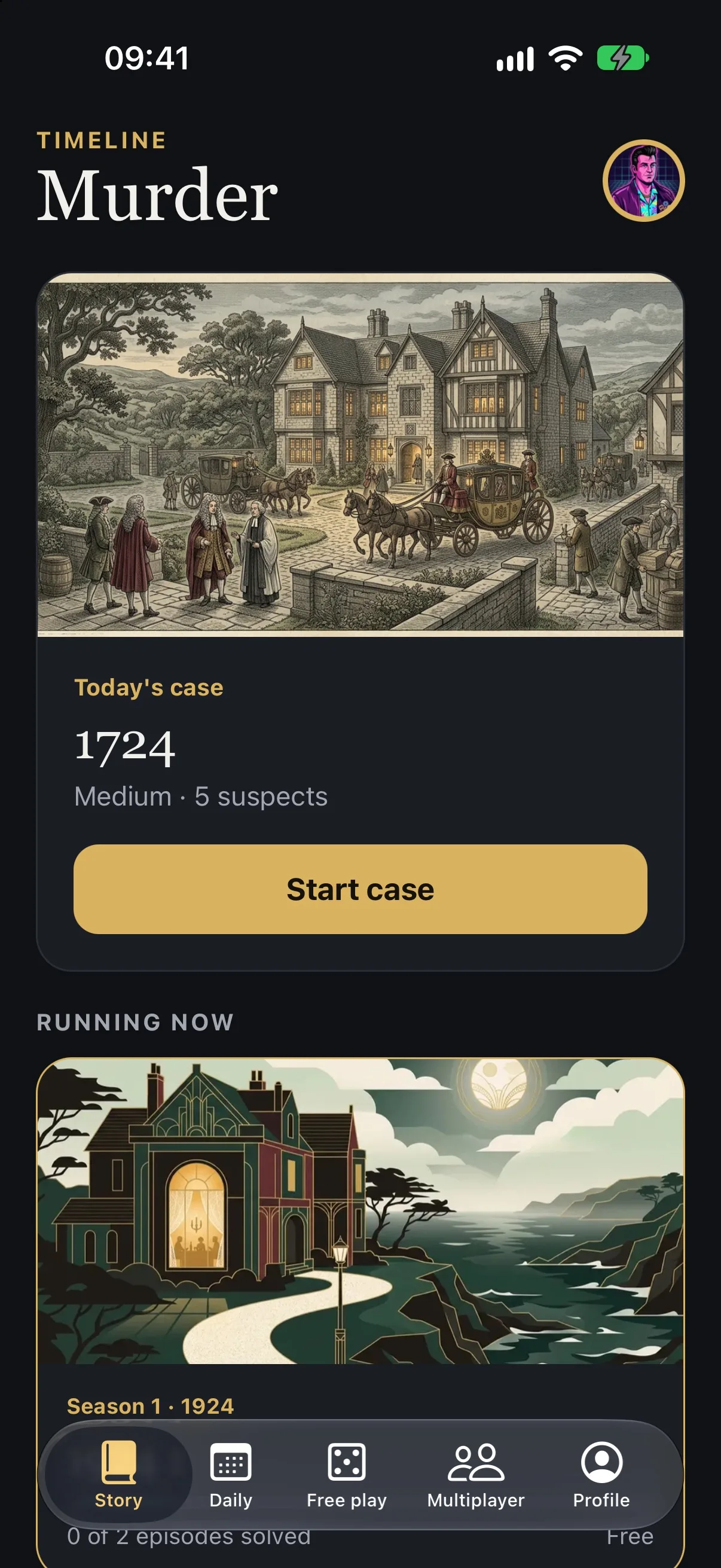
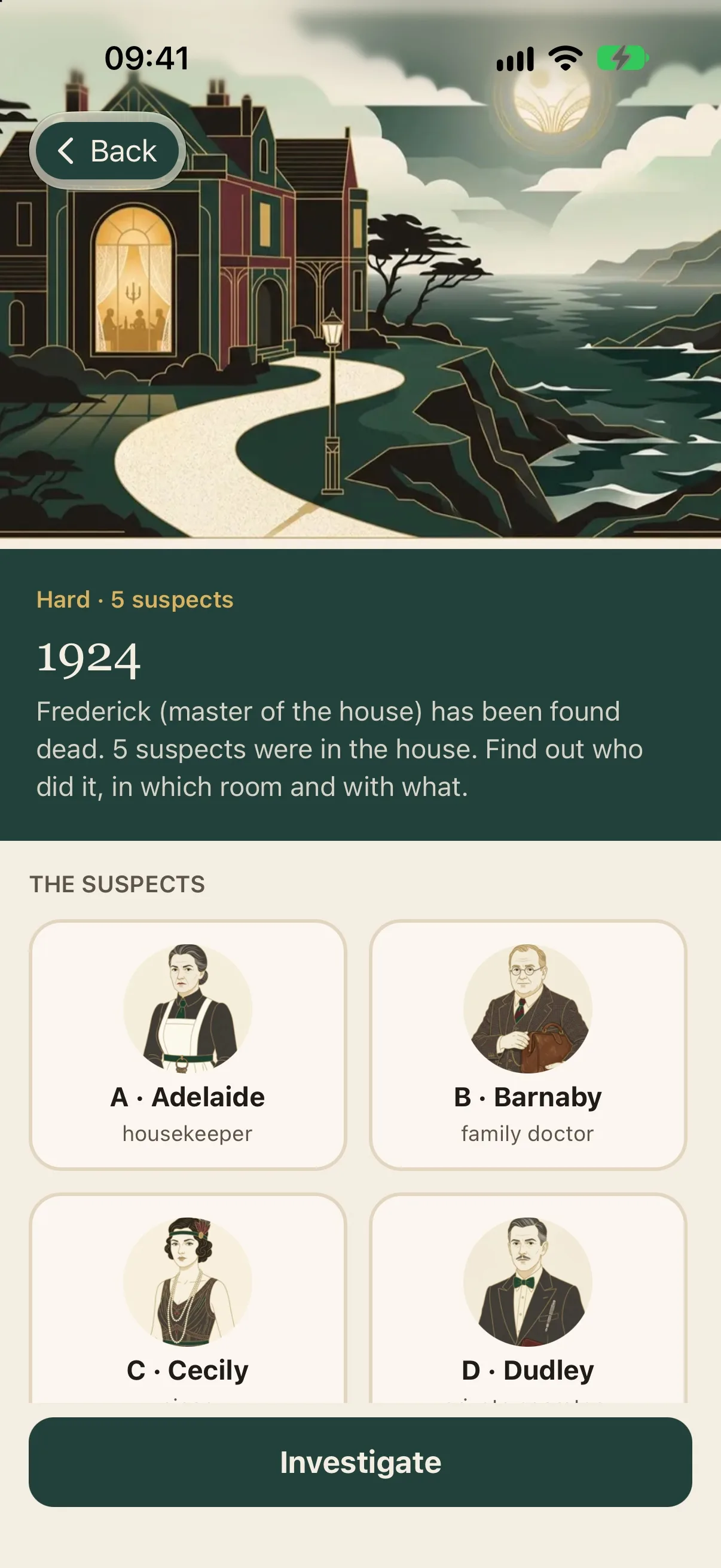
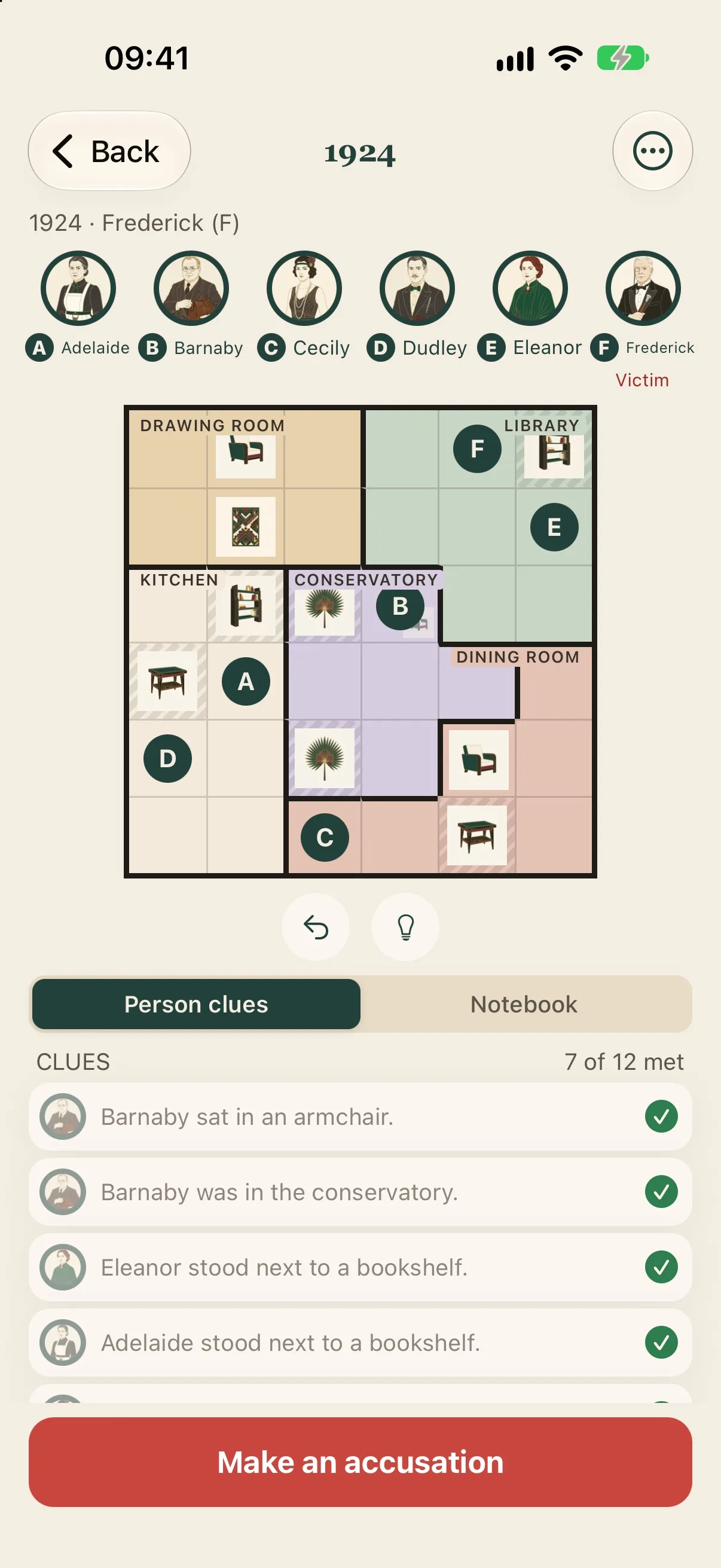
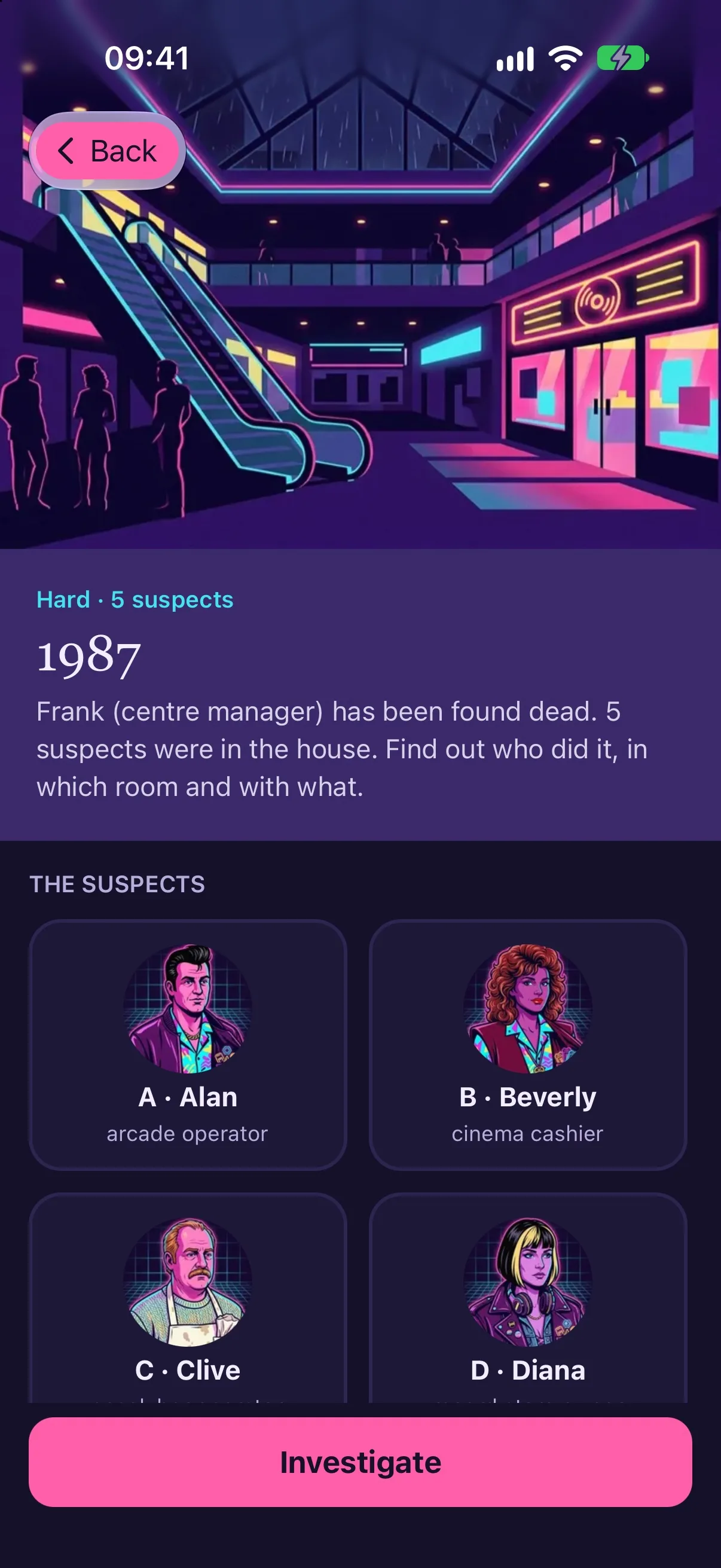
Timeline Murder is a logic puzzle with a detective story around it. Every case has a victim, five people in a house and a set of clues. You place the people on the board until all clues are met, then you make your accusation.
The cases come from the server, one season per era, in German and English.
1724, 1924, 1962, 1987 and 2046: each era has its own look, its own people and its own music. Because the content is data, a new season is a publish, not a store update.
How you build this
Content pipeline
A pipeline writes a season, renders its images and music and translates it into the second language. The result is published as data, so the app picks it up without a release.
Bundled features →Server-side checks
The app sends an accusation, and the server decides whether it is right. The answer is never shipped inside the app.
Events and projections →Platform pieces
Push notifications, background jobs, the audit log, secrets and the admin shell are bundled features, composed in rather than rebuilt for the game. Accounts and purchases are features the game adds itself, in the same model.
Quickstart →Where the effort goes
The game owns the puzzle, the eras and the story. Push, jobs, audit, admin and the model the content pipeline is written in come from the platform. The Timeline Murder repository holds more than 100 test files (measured and rounded down).
Continue in the docs
The docs take you from the first command to a running app. The Show Pony tutorial walks through the whole path on a real application.